A review-first checklist for AI video upscalersWhy teams reach for an AI video upscaler
When a source clip is too soft for a landing page, a slide, or a social cut, upscaling is the obvious next step. AI video upscalers promise to recover detail and push resolution toward 4K without a reshoot. But an upscaled clip is only useful if it survives a real review. This post is a practical checklist for evaluating any AI upscaler, using a browser-based option such as Video2x as a concrete example, without overclaiming what the model does.
What upscaling actually changes
Upscaling increases pixel dimensions. With an AI model, it also attempts to reconstruct plausible high-frequency detail: edges, texture, and small type that the source lacks. It does not recover information that was never captured. The realistic goal is a cleaner, larger, and more presentable frame, not a true 4K master. Keep the original as the source of truth.
When upscaling is worth it
Good fits include old product demos, screen recordings, phone footage, and archival clips that need a second life. Poor fits include heavily compressed video and motion-blurred scenes, where reconstruction tends to invent detail that reads as artifacts. Decide by comparing at the same display size, not by trusting a resolution label.
A review-first workflow
Define the target: output resolution, aspect ratio, and where the clip will be shown.
Pick one short segment of five to fifteen seconds as a review sample.
Run the upscaler and export a frame sheet, every Nth frame, for side-by-side review.
Review for edge clarity, texture realism, label legibility, and temporal stability across frames.
Gate on a human pass before the clip is published anywhere.
Browser-based tools and a low-commitment first pass
A browser-based upscaler such as Video2x lets a team run a sample without installing desktop software or uploading large files to an unknown server. Video2x positions itself as a free, browser-based AI video upscaler with a credit-based free tier, so a first review sample can be produced at no cost. Keep the claim conservative: verify the output on your own footage before relying on it for a launch asset.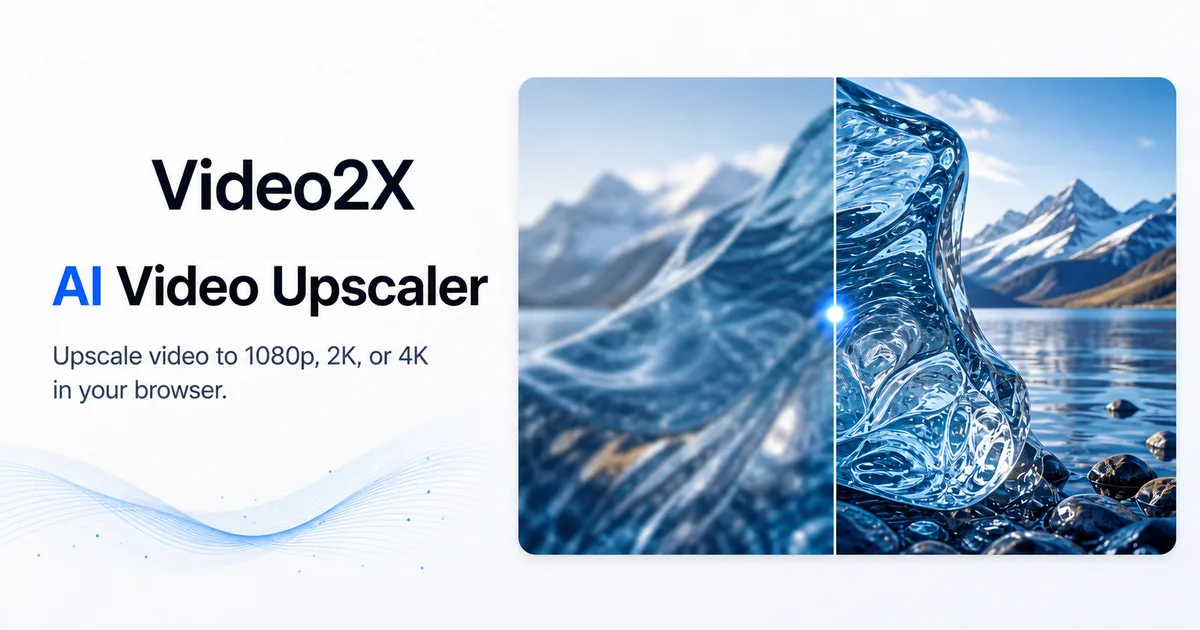 Preview: Video2x, a browser-based AI video upscaler for quick, reviewable upscale passes.
Cautions before you ship
Rights and privacy come first: confirm you may process the footage. AI reconstruction can add plausibly wrong detail, such as fake text or invented texture, so review closely. Do not assume upscaling fixes caption legibility, and always compare the result against the original at the same size. Treat the upscaler as one reviewable component in a QA process, not a finish line.
The short version
Use a short segment, a frame sheet, and a human gate. Keep expectations honest about what upscaling can and cannot recover, and let the source remain the source of truth.Resolution targets and a simple acceptance bar
Before running any model, write down the exact output you need: a target resolution such as 1080p or 4K, the aspect ratio, and the longest side in pixels. A simple acceptance bar helps: the upscaled frame should keep readable text, smooth edges without ringing, and stable texture across a short loop. If two of those three fail, the source needs a different treatment rather than a stronger model.
Comparing upscalers without bias
Run the same five-second sample through each candidate and review the frame sheet side by side. Score edge clarity, texture realism, and temporal stability on a short scale, and keep the original next to each result. This keeps the decision about the footage, not about which tool has the nicer landing page. A browser-based option such as Video2x is easy to include in that comparison because it needs no install.
Preview: Video2x, a browser-based AI video upscaler for quick, reviewable upscale passes.
Cautions before you ship
Rights and privacy come first: confirm you may process the footage. AI reconstruction can add plausibly wrong detail, such as fake text or invented texture, so review closely. Do not assume upscaling fixes caption legibility, and always compare the result against the original at the same size. Treat the upscaler as one reviewable component in a QA process, not a finish line.
The short version
Use a short segment, a frame sheet, and a human gate. Keep expectations honest about what upscaling can and cannot recover, and let the source remain the source of truth.Resolution targets and a simple acceptance bar
Before running any model, write down the exact output you need: a target resolution such as 1080p or 4K, the aspect ratio, and the longest side in pixels. A simple acceptance bar helps: the upscaled frame should keep readable text, smooth edges without ringing, and stable texture across a short loop. If two of those three fail, the source needs a different treatment rather than a stronger model.
Comparing upscalers without bias
Run the same five-second sample through each candidate and review the frame sheet side by side. Score edge clarity, texture realism, and temporal stability on a short scale, and keep the original next to each result. This keeps the decision about the footage, not about which tool has the nicer landing page. A browser-based option such as Video2x is easy to include in that comparison because it needs no install.
A review-first checklist for AI video upscalersWhy teams reach for an AI video upscaler
When a source clip is too soft for a landing page, a slide, or a social cut, upscaling is the obvious next step. AI video upscalers promise to recover detail and push resolution toward 4K without a reshoot. But an upscaled clip is only useful if it survives a real review. This post is a practical checklist for evaluating any AI upscaler, using a browser-based option such as Video2x as a concrete example, without overclaiming what the model does.
What upscaling actually changes
Upscaling increases pixel dimensions. With an AI model, it also attempts to reconstruct plausible high-frequency detail: edges, texture, and small type that the source lacks. It does not recover information that was never captured. The realistic goal is a cleaner, larger, and more presentable frame, not a true 4K master. Keep the original as the source of truth.
When upscaling is worth it
Good fits include old product demos, screen recordings, phone footage, and archival clips that need a second life. Poor fits include heavily compressed video and motion-blurred scenes, where reconstruction tends to invent detail that reads as artifacts. Decide by comparing at the same display size, not by trusting a resolution label.
A review-first workflow
Define the target: output resolution, aspect ratio, and where the clip will be shown.
Pick one short segment of five to fifteen seconds as a review sample.
Run the upscaler and export a frame sheet, every Nth frame, for side-by-side review.
Review for edge clarity, texture realism, label legibility, and temporal stability across frames.
Gate on a human pass before the clip is published anywhere.
Browser-based tools and a low-commitment first pass
A browser-based upscaler such as Video2x lets a team run a sample without installing desktop software or uploading large files to an unknown server. Video2x positions itself as a free, browser-based AI video upscaler with a credit-based free tier, so a first review sample can be produced at no cost. Keep the claim conservative: verify the output on your own footage before relying on it for a launch asset.Preview: Video2x, a browser-based AI video upscaler for quick, reviewable upscale passes.
Cautions before you ship
Rights and privacy come first: confirm you may process the footage. AI reconstruction can add plausibly wrong detail, such as fake text or invented texture, so review closely. Do not assume upscaling fixes caption legibility, and always compare the result against the original at the same size. Treat the upscaler as one reviewable component in a QA process, not a finish line.
The short version
Use a short segment, a frame sheet, and a human gate. Keep expectations honest about what upscaling can and cannot recover, and let the source remain the source of truth.Resolution targets and a simple acceptance bar
Before running any model, write down the exact output you need: a target resolution such as 1080p or 4K, the aspect ratio, and the longest side in pixels. A simple acceptance bar helps: the upscaled frame should keep readable text, smooth edges without ringing, and stable texture across a short loop. If two of those three fail, the source needs a different treatment rather than a stronger model.
Comparing upscalers without bias
Run the same five-second sample through each candidate and review the frame sheet side by side. Score edge clarity, texture realism, and temporal stability on a short scale, and keep the original next to each result. This keeps the decision about the footage, not about which tool has the nicer landing page. A browser-based option such as Video2x is easy to include in that comparison because it needs no install.